Designing a Mobile UI: Clean, Modern & User-Focused Interface Design
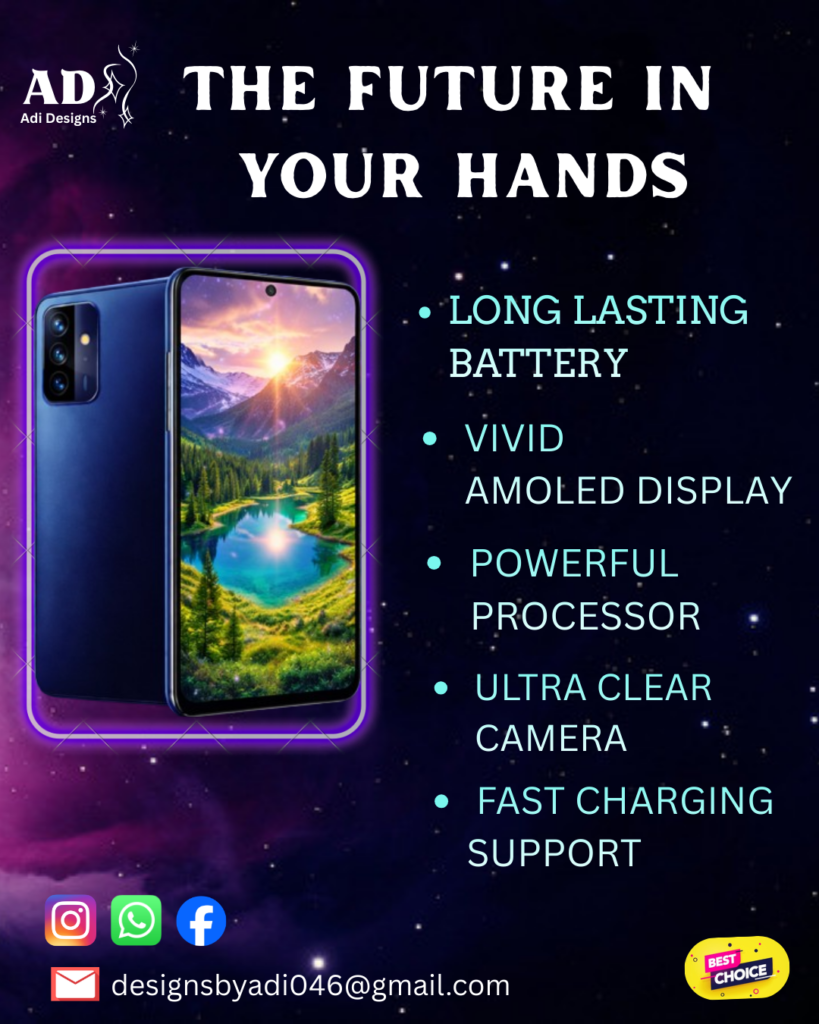
Designing a Mobile UI: Where Simplicity Meets Precision Mobile UI design isn’t about filling screens — it’s about making decisions. Every element you place on a mobile interface competes for attention in a space that’s already limited. The real challenge isn’t designing more — it’s designing less, but better. Why Mobile UI Design Demands Discipline Unlike desktop, mobile users don’t explore — they act. They: That means your design has only a few seconds to communicate clearly. If your interface feels confusing or crowded, the user is gone before you even get a second chance. Step 1: Design With Purpose, Not Decoration Before choosing colors or fonts, ask: Good mobile UI is not about adding features — it’s about eliminating distractions. Step 2: Master Visual Hierarchy On mobile, hierarchy is everything. You guide the user using: The most important element should dominate the screen. Secondary elements should support — not compete. If everything looks important, nothing is. Step 3: Optimize for Thumb Interaction Mobile is a one-hand experience. That means: If users have to adjust their grip to use your app — your design is already failing. Step 4: Keep It Minimal, But Not Empty Minimal design doesn’t mean removing everything. It means: A clean UI improves both usability and perception. It feels faster, smoother, and more premium. Step 5: Consistency Builds Trust Users shouldn’t have to “learn” your interface again on every screen. Maintain consistency in: Consistency reduces cognitive load — and makes your design feel professional. My Design Approach for This Mobile UI While creating this design, I focused on: The goal was simple:Create an interface that feels effortless to use and visually refined. Final Thoughts Mobile UI design is not about creativity alone — it’s about control. The best designs are not the ones that impress at first glance,but the ones that feel natural every time they’re used. As a designer, your job isn’t just to make things look good —it’s to make them work seamlessly. 🔥 CTA (add this at the end) Looking for a clean and modern mobile UI design?Let’s work together — Contact Me